Virtual Firewall and Networking - Planning Guide
This is a planning guide on how to create a robust, redundant, virtual network for your home-lab environment including a virtual firewall.
 Karl Nyen

This is a planning guide on how to create a robust, redundant, virtual network for your home-lab environment including a virtual firewall. This requires a lot of existing hardware and expertise. This is not recommended the faint of heart and will challenge you. Using a physical firewall is the easy choice.
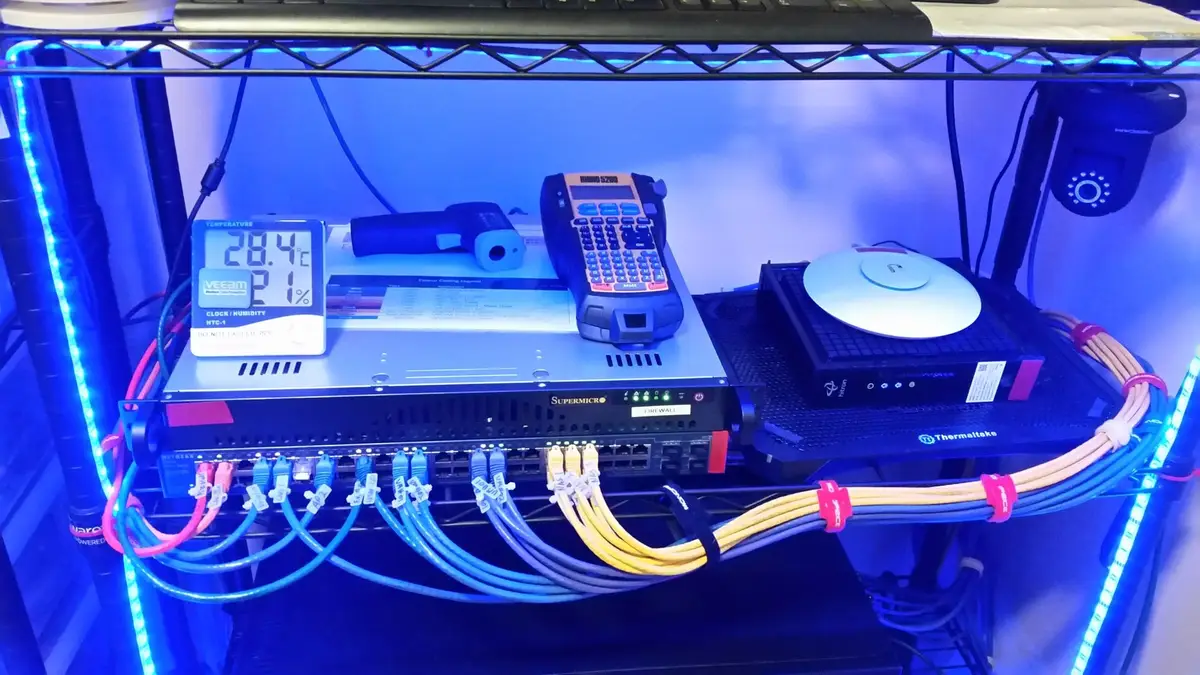
I have structured this guide around how I have my own network configured for the vSkilled home lab. I have been running in this configuration for literally years without incident. You should first weigh the pros and cons for your own environment and then decide if this design is the right choice for YOU. Just because it works for me, does not mean it will work for you. There are many mixed opinions between running your firewall physically or virtually. Neither is right or wrong. That really depends entirely on your skill level and the equipment you have available. You should decide on a network topology which you are most comfortable troubleshooting and fixing when it breaks.
I am primarily sharing this guide to help give you ideas in order to help you plan your own network design, or to simply challenge you to try something new. Take from this what you like.
Disclaimer! This is meant for non-production, home and lab environments only. While every precaution has been taken in the preparation of this documentation the author assumes no responsibility for errors or omissions, or for damages resulting from the use of the information contained herein.
Running a Virtual Firewall - To do, or not to do…
Positives:

Running your firewall virtually gives you all the benefits of virtualization. In a two, or more, host configuration you will be able to achieve nearly full redundancy allowing you to do maintenance on physical gear without interruption to your firewall (the Internet). I would not recommend a single host configuration as that defeats the purpose - might as well just run physical.
- Redundant; Ability to fail-over the firewall and other VMs automatically in the event of failed host or failed hardware
- Robust / Increased Uptime; Ability to migrate (vMotion) the firewall while it’s running without interruption (host maintenance, reboots, etc)
- Saves Energy/Green; Running less physical hardware means less heat, noise, and power usage.
Negatives:

Murphy’s law; If anything can go wrong, it will go wrong, at the worst possible time, all at once. When things take a turn for the worse with your virtual environment they will go wrong very badly, very quickly.
- Costly; All of the gear needed to complete this properly can cost many hundreds of dollars. This guide is meant for geeks and sysadmins with existing hardware to spare and those with significant investments in home-lab infrastructure.
- Complex; Adds a high level of complexity to your network, especially depending on your skill level with virtualization and networking. Administration, including backup and recovery, requires specialized knowledge.
- Dependencies; The virtual firewall depends entirely on your virtualization infrastructure (compute, storage and network). Any single point of failure to your VMware environment could cripple your entire network. If your virtual infrastructure is not up to par - a virtual firewall is not for you! Plan for failure.
- WiFi; Your physical firewall might have WiFi capabilities… the virtual one most certainly will not. Convert your existing WiFi routers to gateway or bridge mode to work-around this.
- Note: PCI pass-thru from the host is possible, but comes with a a number of limitations on the guest VM; such as preventing it from migrating to other hosts. You will lose redundancy.
Always remember that your virtual infrastructure still very much relies on your physical infrastructure as a whole. The physical layer (computer, network, storage) literally becomes the backbone to your entire network and you should design stability from the ground up - think about the OSI model.
Getting Started
So you’ve decided you want to start using a virtual firewall in your home lab? Before we get started you should check to make sure you have the items listed below. Understand that you can make changes where you see fit and adapt the design to your preferences. For example if you wanted to use VLANs, add support for multiple ISPs (multi-pathing and/or link aggregation), use more or less uplinks, use another hypervisor, etc, etc. If you can build it, why not? Build to your standards and requirements.
Updated 6/27/2016: Edits and formatting.
Writing about virtualization, home lab, cloud, storage and gaming on vSkilled, started in 2014.