Upgrades to my gaming rig
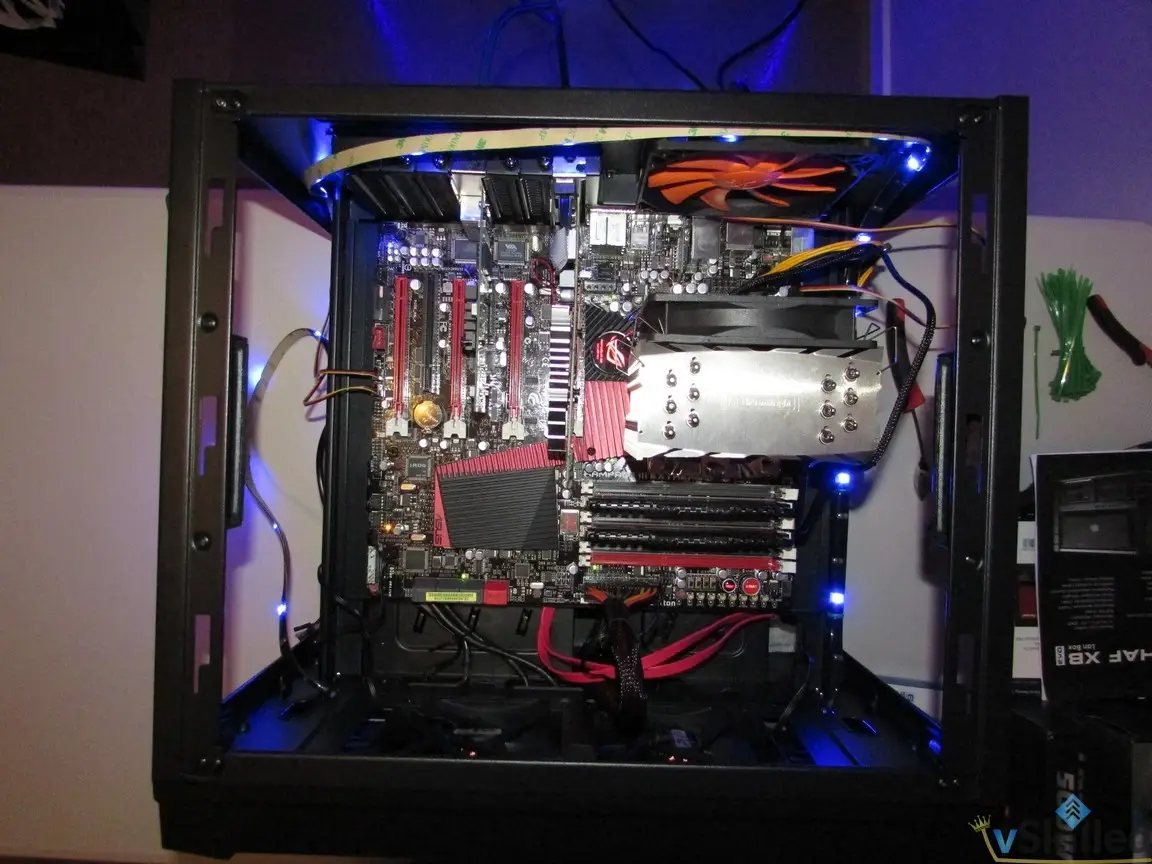
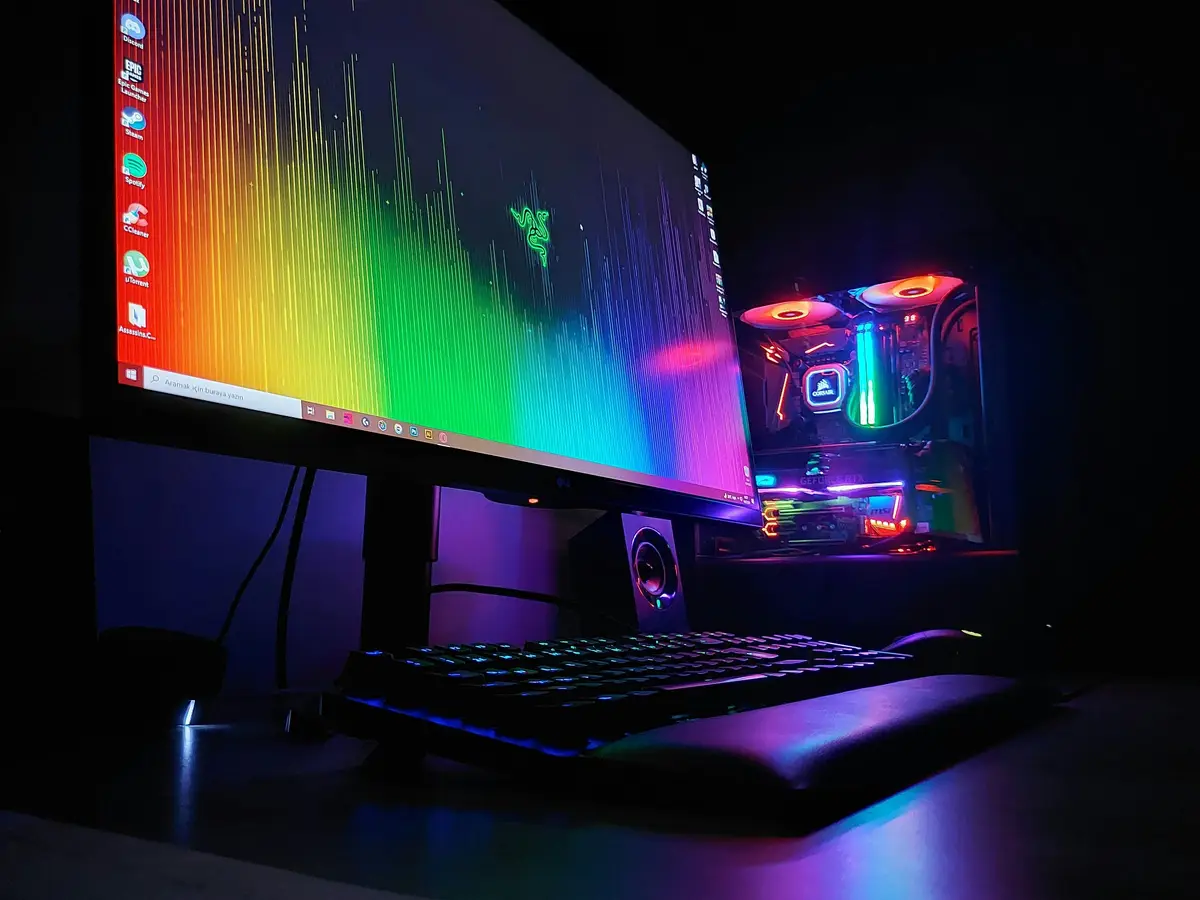
My main gaming rig is getting a bit of a storage upgrade this weekend. It was back in 2015 that I had originally built this computer and it hasn't had much…
 Karl Nyen
My main gaming rig is getting a bit of a storage upgrade this weekend. It was back in 2015 that I had originally built this computer and it hasn’t had much love since then. The major upgrades since then have been a Samsung 950 Pro NVMe drive, a GTX 970 video card, and RAM.
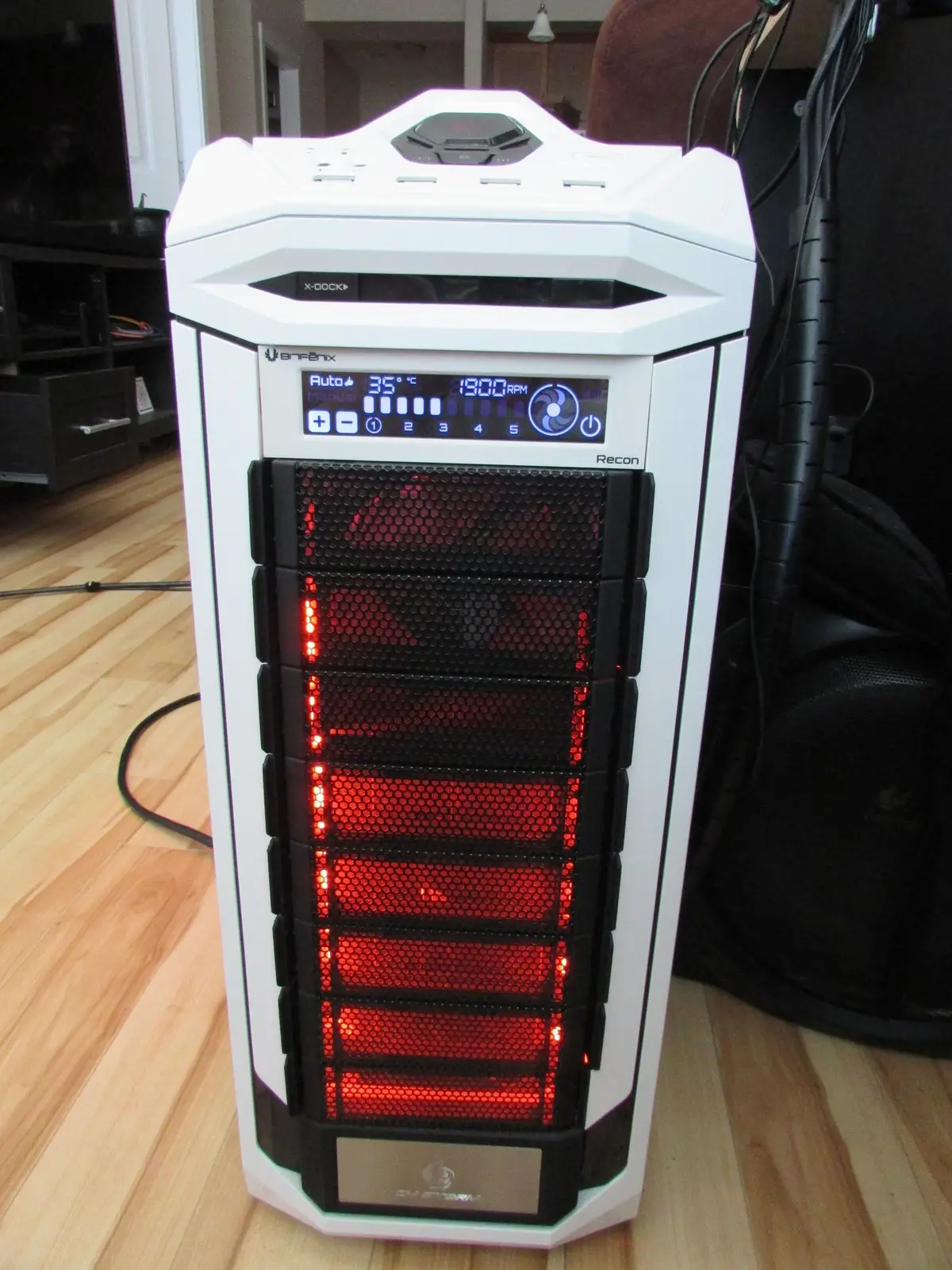
Build Specifications for “STRYKER”
- Custom Build - 2015
- CPU: Intel Core i7-5820K 3.60GHZ Six Core
- GPU: ASUS GeForce GTX 970 STRIX 4GB
- RAM: G.SKILL Ripjaws 4 32GB 8X4GB DDR4-3000
- HDD: Samsung SSD 950 PRO NVMe 512GB
- MB: Gigabyte Gaming G1 WiFi ATX X99 LGA2011 DDR4
- Cooler: Corsair Cooling Hydro Series H100I CPU Cooler System
- PSU: 750W Antec High Current Gamer
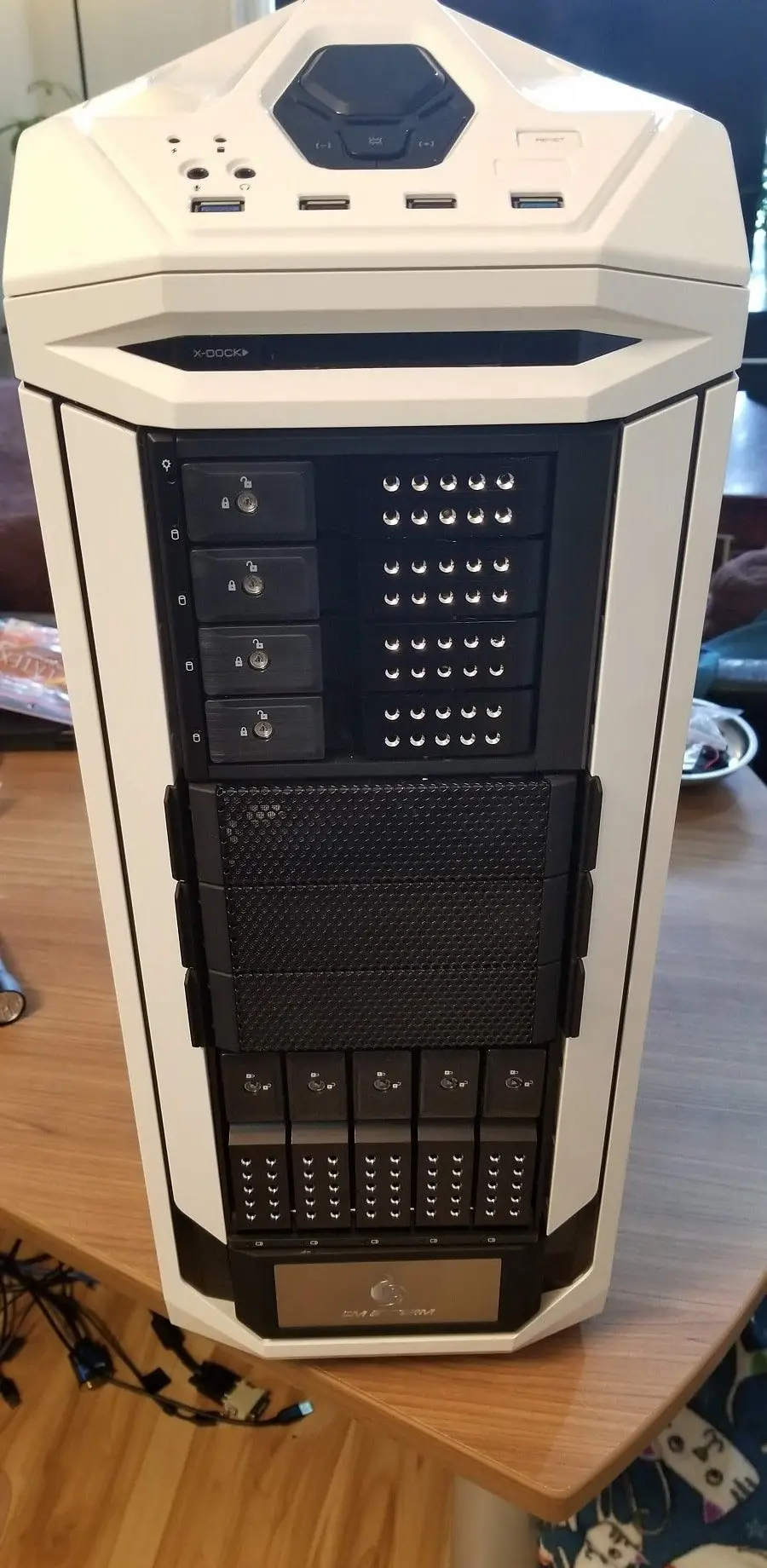
- Case: Cooler Master CM Storm Stryker ATX
Since this PC is now over 3 years old (WOW! It feels like I built this yesterday!) I am starting to transition it to be a server in the future. I would never let this beast not go to use in some way or another after a more powerful prodecessor takes it’s place. While I am not currently planning on building a new gaming rig that time will come eventually and I’d like this computer to be prepared to make the jump into being a server with almost no effort.
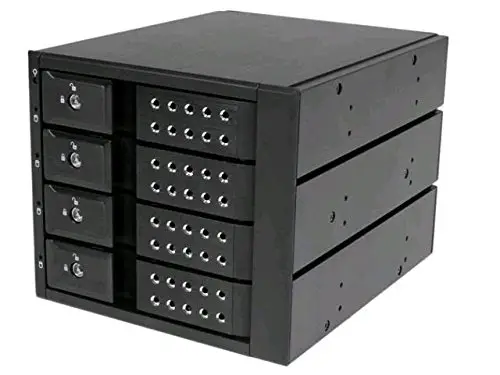
I had used a mobile drive rack in another one of my spare PCs/servers and really liked it. The ability to hot-swap drives without having to power off and go inside the case of the computer pays for itself. I decided to order a few more and add these into my current gaming rig.
After:
Writing about virtualization, home lab, cloud, storage and gaming on vSkilled, started in 2014.