Enable SNMP on ESXi 5.5
This is a quick guide on how to configure ESXi 5.5 hosts for SNMP monitoring. I use Observium to monitor and collect information about devices on my home…

 Karl Nyen
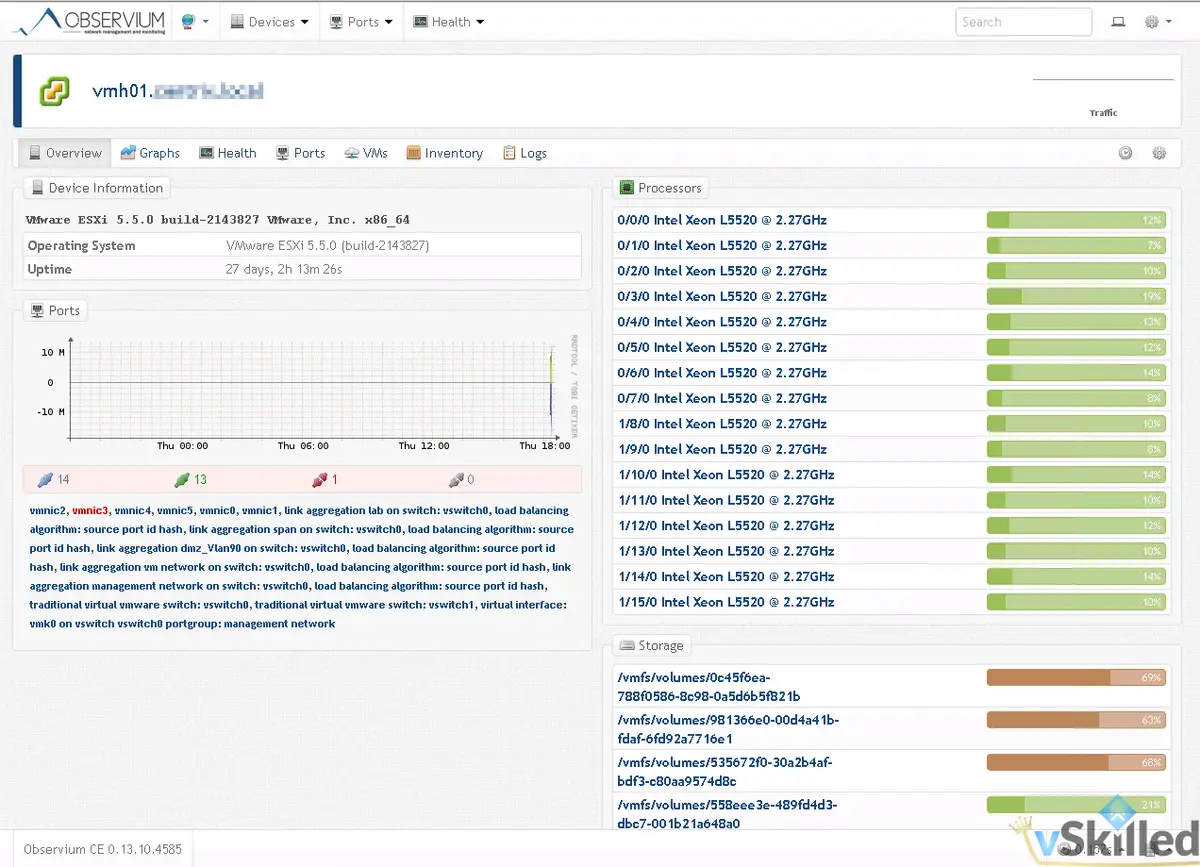
This is a quick guide on how to configure ESXi 5.5 hosts for SNMP monitoring. I use Observium to monitor and collect information about devices on my home network that support SNMP. This allows me to have an in-depth look at devices on my network as well as see metrics that go far into the past.
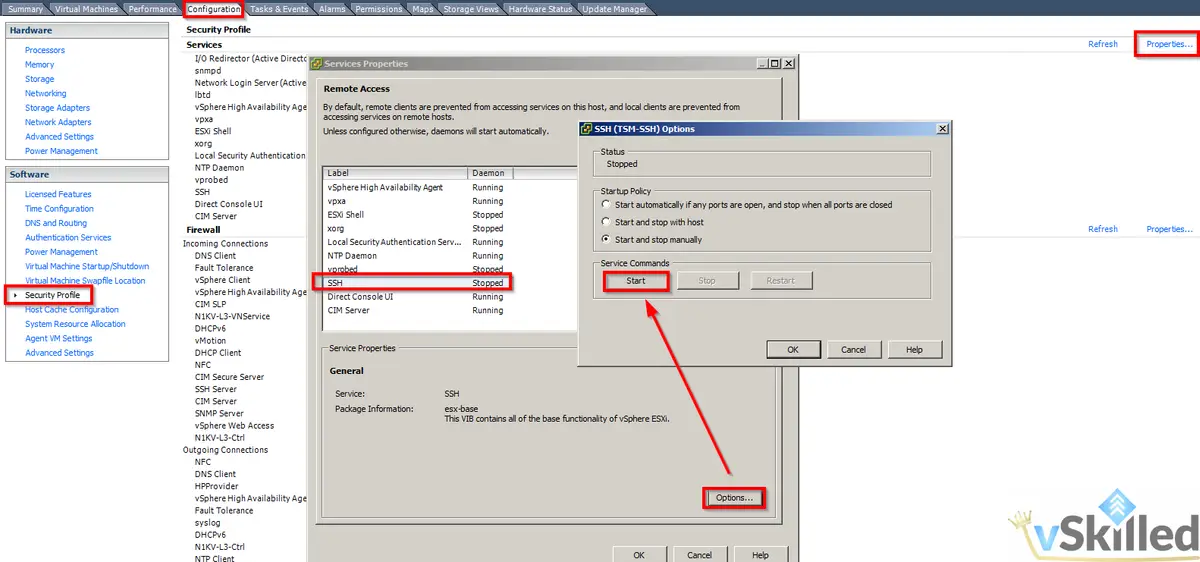
First we need to SSH to the ESXi host you would like to enable SNMP on. To do that we first need to make sure that SSH is enabled on the host.
Ensure that SSH is enabled on the ESXi Host:
- Go to the configuration tab, then select Security Profile
- Select Properties with Services, then select SSH Server
- Click the Start button once to start the service for now
Using an SSH client, such as Putty, connect to your ESXi host. Then run the following commands:
esxcli system snmp set -c public
esxcli system snmp set -l warning
esxcli system snmp set -e yes
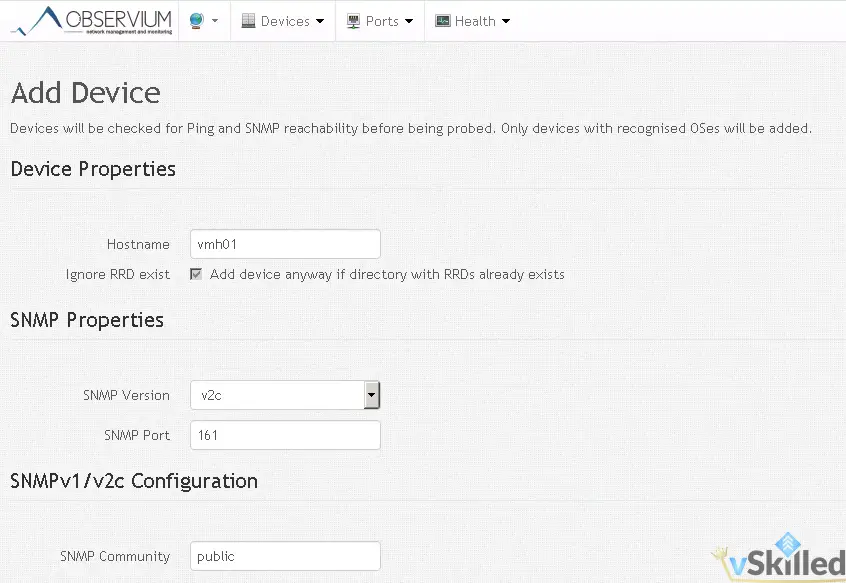
That’s it! You can change the “public” string to whatever your preferred community name is. Now you can disable SSH on the host if you prefer. Then add the host into your SNMP monitoring tool. Wait 5-10 minutes for discovery and your finished.
Writing about virtualization, home lab, cloud, storage and gaming on vSkilled, started in 2014.
Cover photo: Taylor Vick on Unsplash