Search 72 posts

Installing open-vm-tools on CentOS

Just a quick post here today. This is in regards to installing open-vm-tools on CentOS. There's no need to download and install separate epel-release files…
Karl NyenLinuxVMware1 min readFrom the archive
Dark workstation with a laptop and a monitor displaying code

CentOS logo

Just a quick post here today. This is in regards to installing open-vm-tools on CentOS. There’s no need to download and install separate epel-release files anymore as it’s now in the CentOS extras repo directly.

To install them, just use this command, then install open-vm-tools.

yum -y --enablerepo=extras install epel-release

- extras is enabled by default but the --enablerepo caters for those that have disabled it.

Enjoy!

Karl Nyen

Writing about virtualization, home lab, cloud, storage and gaming on vSkilled, started in 2014.

Cover photo: JEFERSON DA PAULINO on Unsplash

Keep exploring

Laptop screen with a code editor in blue light

Guides

Change SSH Port in CentOS - Linux

This is just a quick guide on how to change the SSH port in CentOS. While there are many ways to make sure your server is as secure as possible there are some…

Photographed terminal showing a system process monitor

Guides

CentOS nightly auto updates using yum-cron

It seems like new security vulnerabilities comes out at least once per month now a days. Keeping your systems up to date is the easiest way to keep these…

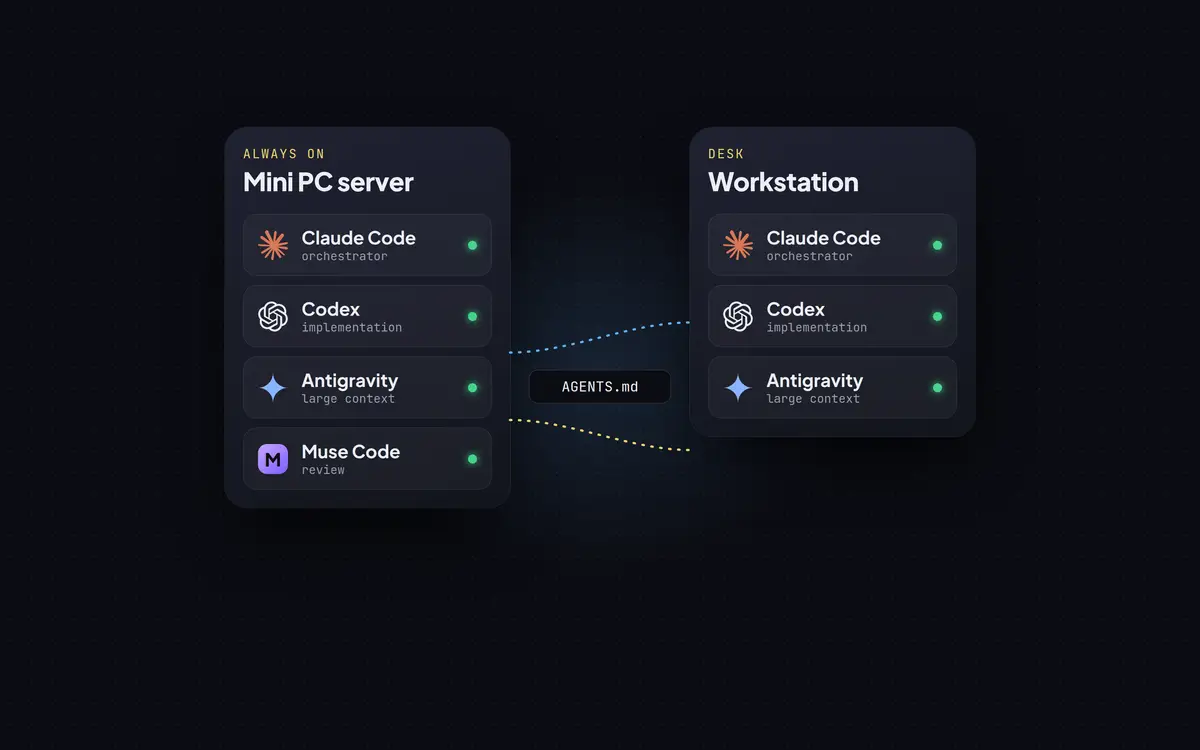
Two machine cards, a mini PC server and a workstation, listing the Claude Code, Codex, Antigravity and Muse Code agents linked through AGENTS.md

AI

Running AI Coding Agents Across Several Machines

How I run Claude Code, Codex, Antigravity and Muse Code across a mini PC server and a workstation: one rulebook, a router for delegated work, hard safety gates and real numbers.