Home Lab Updates: AC Unit, Failed Drive on NAS1
I've been meaning to make a post about all the recent changes to my home lab but I've been quite busy. I've also done some more work on the backend of the…
 Karl Nyen

I’ve been meaning to make a post about all the recent changes to my home lab but I’ve been quite busy. I’ve also done some more work on the backend of the website to help speed things up. I’m also, slowly, working on a new design for vSkilled as well.
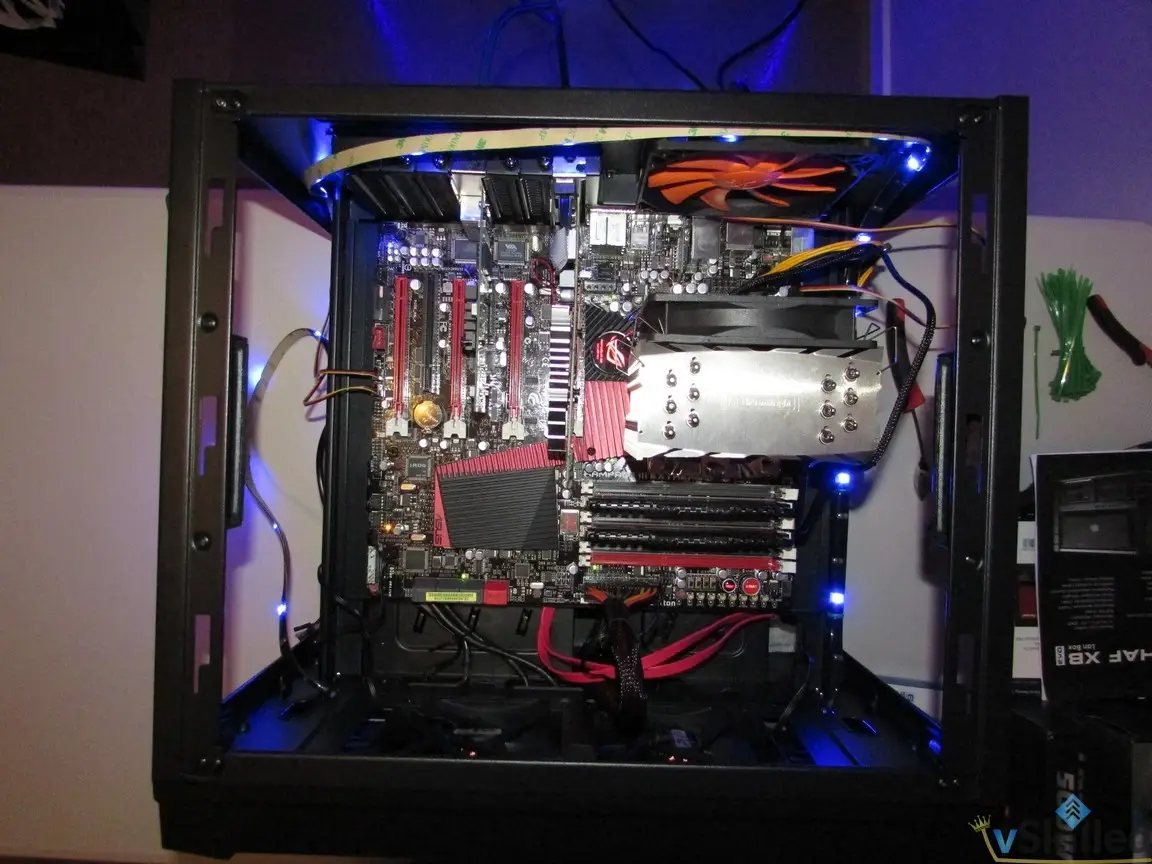
The biggest update I have right now is that I’ve finally ordered a portable air conditioning unit for my home lab. It’s starting to get warmer again since summer is around the corner and I don’t want the house to be ridiculously warm. I ordered the Honeywell 12,000 BTU MN12CES. Once I have the unit installed I’ll try and put up another post with a write up and pics!
My primary NAS (NAS1) decided to have a faulty disk. I was in the middle of a large transfer and the entire NAS went unresponsive. I was shocked as this is my first ever stability issue with the Thecus N5550. I had no choice but to forcefully reboot it. It came back online, seemed alright so I started up the transfer again. Then it crashed again! This is very abnormal since this NAS can normally take a beating. It’s not like I was pushing it past it’s limitations by any means. I decided to start doing health checks on the disks.
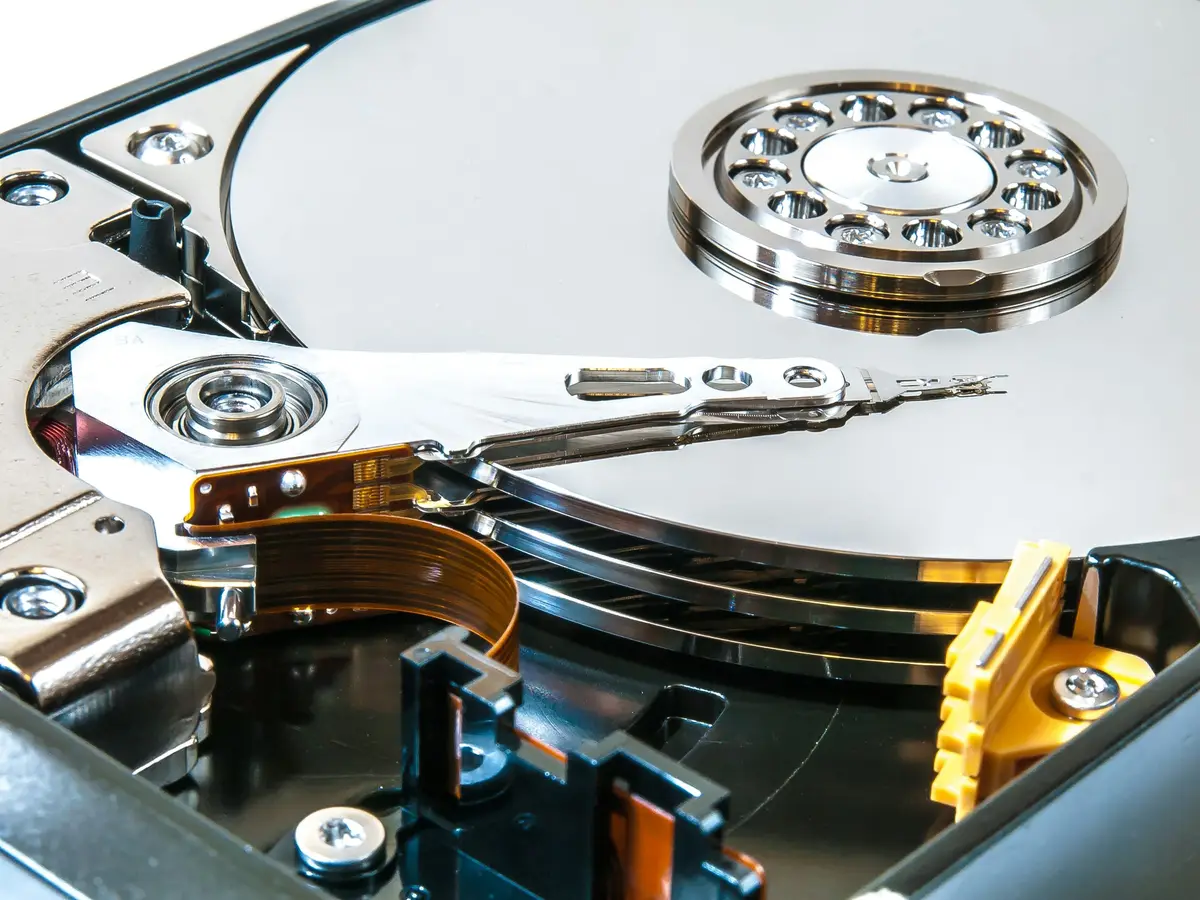
One disk in particular which was a Seagate NAS 4TB ST4000VN000 drive had a huge spike in SMART Raw_Read_Error_Rate, Reallocated_Sector_Ct, and Seek_Error_Rate. The reallocated sectors is what worried me the most as its the biggest sign of a early drive failure. The drive had only 13122 hours (546 days + 18 hours) when it detected the issue. That might sound like a lot, but for a HDD that is relatively short. I have other drives with upwards of 40,000 to 50,000 hours or more and they’re still going strong. I immediately ordered a replacement drive from Amazon prime to not risk any data loss or corruption. RAID is not backup. Since I’m using RAID5 on this NAS I can only tolerate a single disk failure or I risk losing the entire array. Obviously I have backups but I really do not want to have to restore 15TB of data. Once the drive arrived I simply hot-swapped it into NAS1 and it started the long process of recovering the RAID5 array. This took about 18 hours and finished without any issues.
I now use Enhanced LACP on my VMware 6.5 ESXi hosts uplink ports. Since I use NFS storage this will hopefully relieve some port saturation issues on my host. I only have 1Gbps copper so I can pretty easily fill those ports to capacity. Especially now that I mainly use one host since the other is in standby-mode to help reduce power and heat.
That’s all for now!
Writing about virtualization, home lab, cloud, storage and gaming on vSkilled, started in 2014.
Cover photo: William Warby on Unsplash