New Synology DS1817+ NAS & ISP Switch
By the end of 2017 nearly all my NAS servers were close to reaching full capacity. I had already pre-decided on getting a Synology DS1817+ but it was just a…
 Karl Nyen
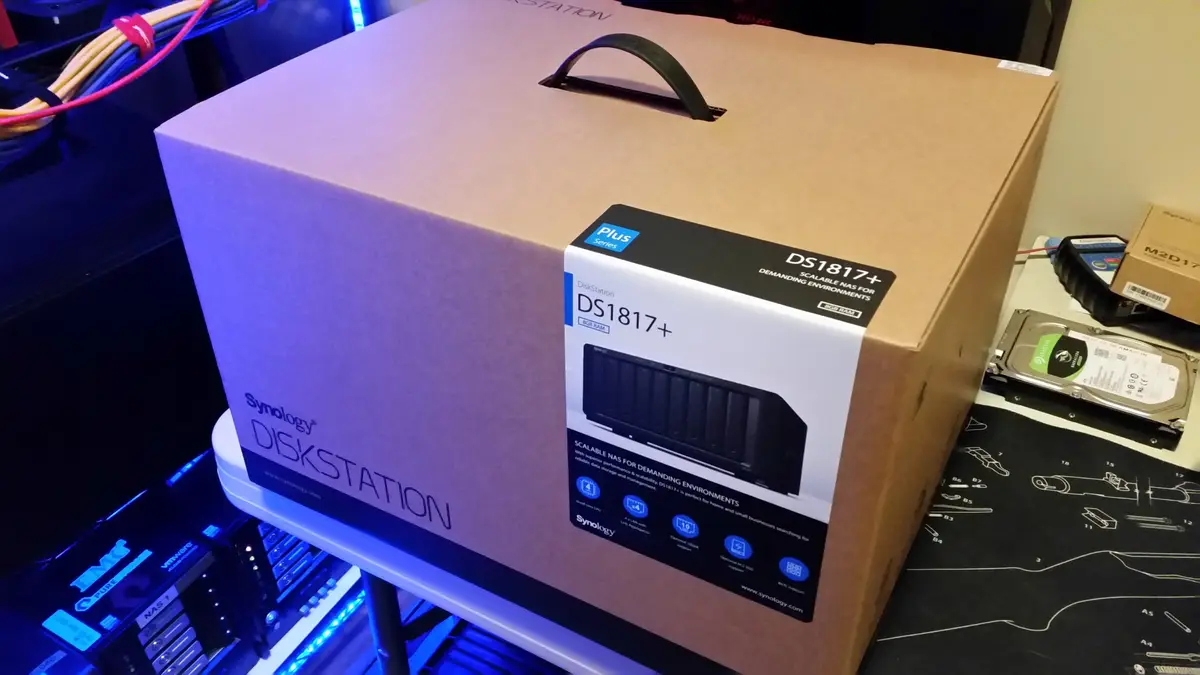
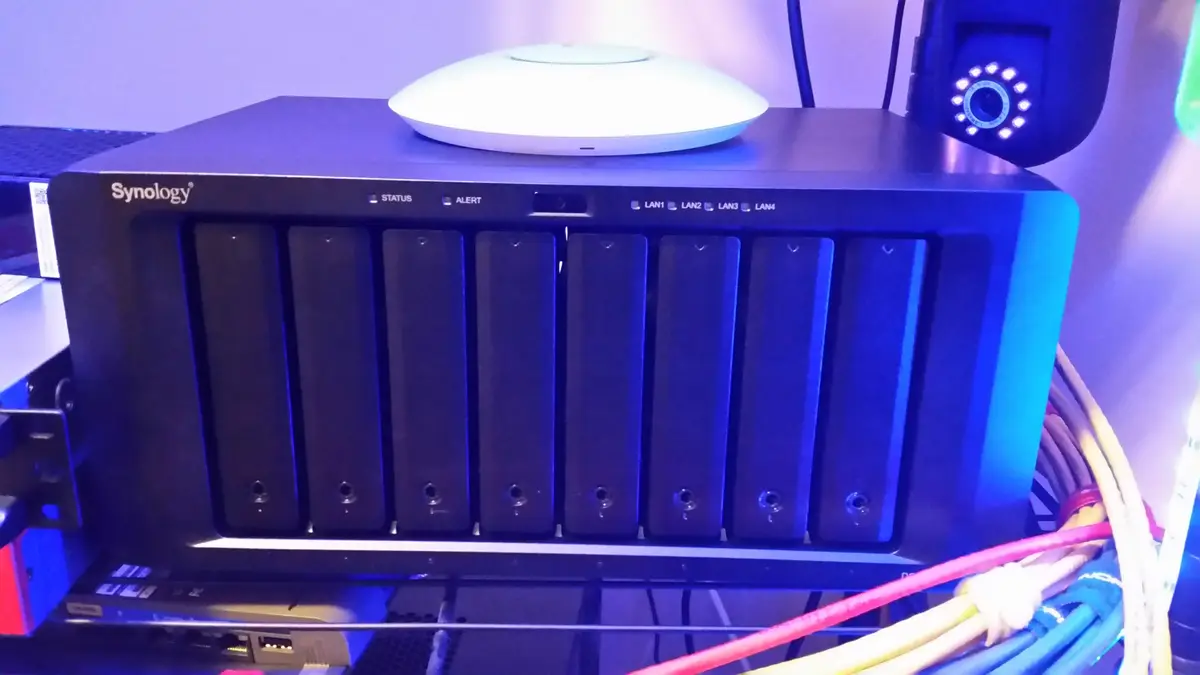
By the end of 2017 nearly all my NAS servers were close to reaching full capacity. I had already pre-decided on getting a Synology DS1817+ but it was just a matter of when. I wanted something that was more than five bays and would be upgradable to 10G networking in the future. The DS1817+ seemed to match all of my needs and my budget.
Synology DiskStation DS1817+
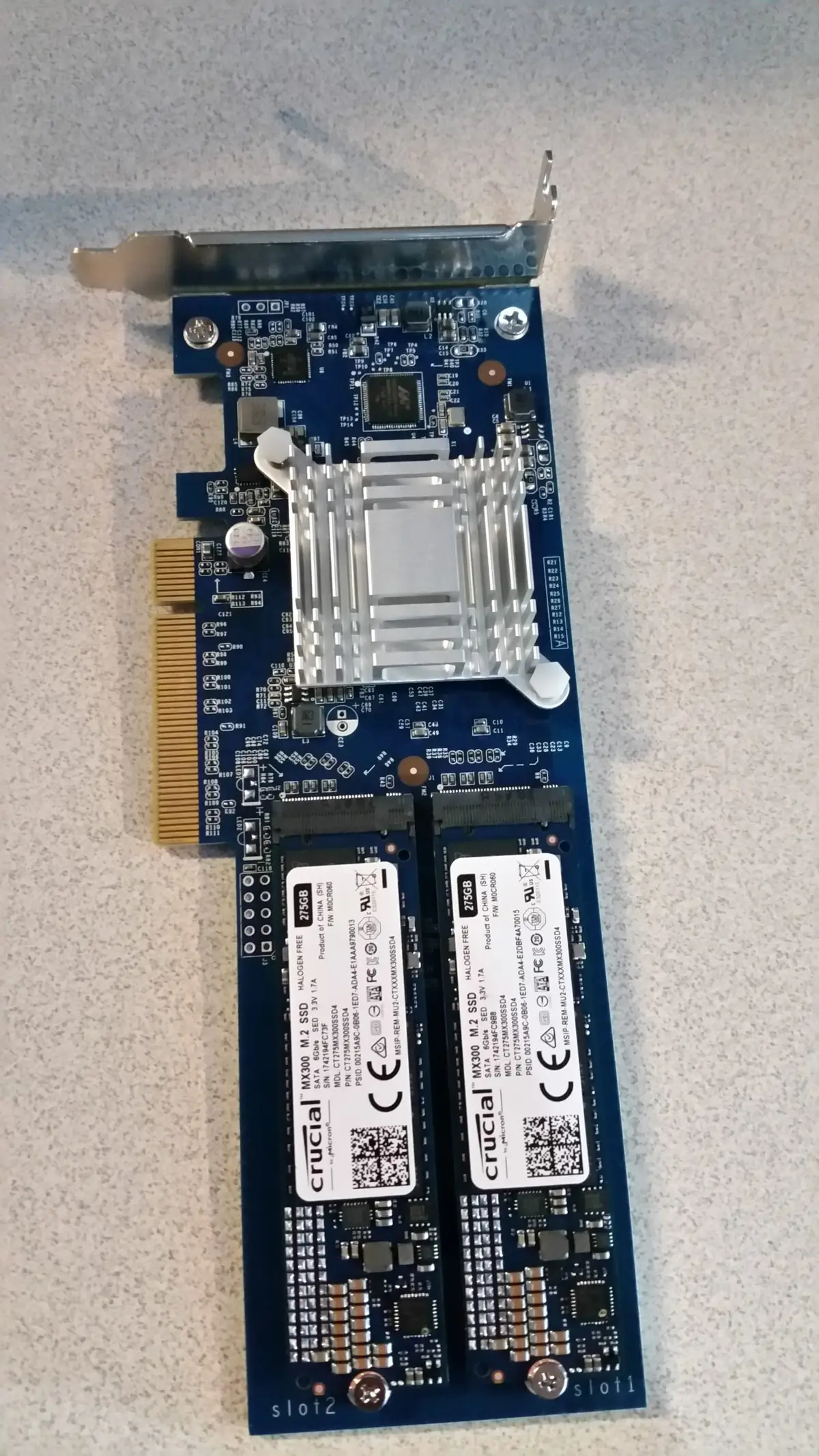
I decided on the Intel Atom C2538, Quad Core 2.4 GHz, 8GB DDR3 model. I also threw in the M2D17 dual M.2 SSD adapter card with two Crucial MX300 275GB SATA M.2 2280SS SSD that will be in RAID 1 for a read-write cache. I am using 4x1Gbps links in LACP giving me up to 4Gbps of network speed depending on the situation. During the data migration I was able to hit 2.5Gbps which is awsome.
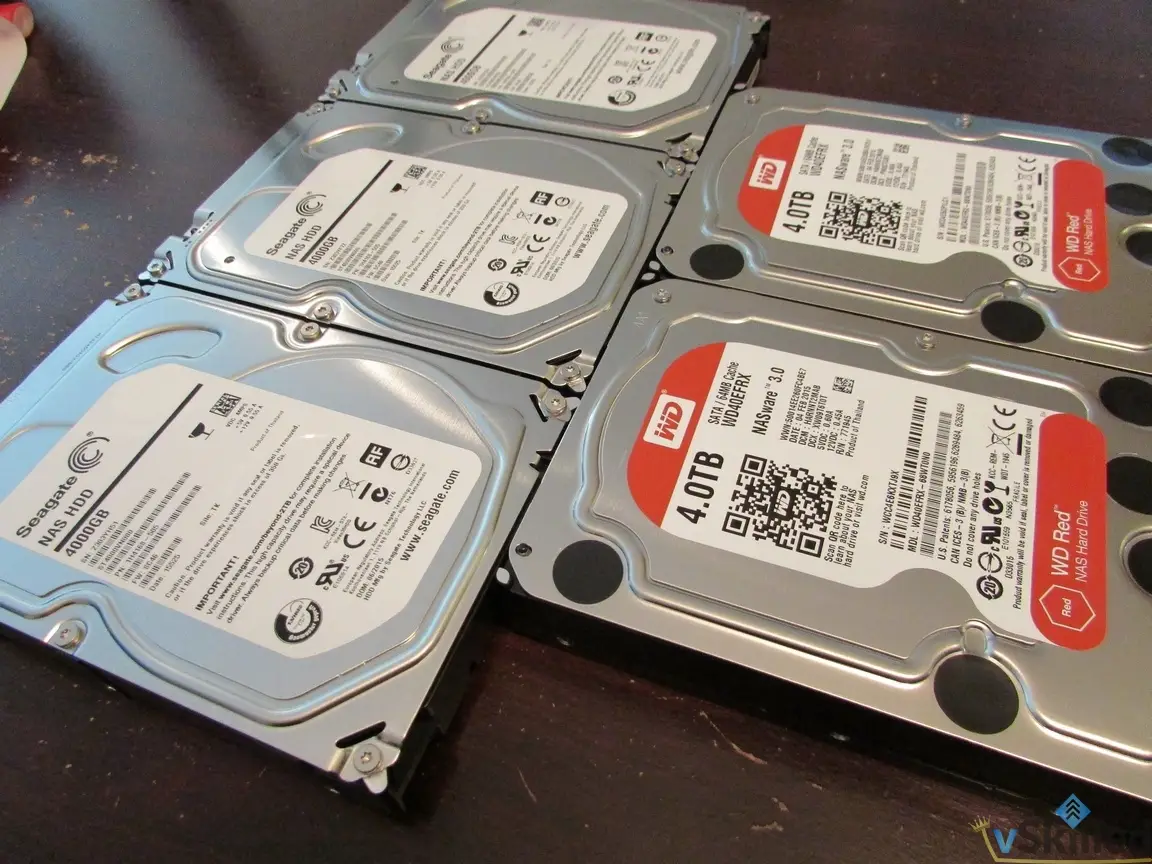
One part of getting a new NAS is having the appropriate amount of “swing space” to move all your data onto it. I already had 7 x 4TB disks on hand, so I only needed to purchase one new 4TB drive and managed to do so on a great Amazon.ca deal for $99. I managed to have just enough space to move to the Synology. The data transfer took about 48 hours of sustained transfer, which I closely monitored.
I am using SHR2 which is Synology Hybrid Raid and the equivalent to RAID 6 on the BTRFS file system. With 8x4TB disks that puts me at 20.93TB of usable space.
Since I do not have a 10Gbps network yet, I decided I might as well try SSD caching to get the most performance out of the NAS. I have been getting fairly decent cache hit rates but I will have to evaluate this after a longer duration of metrics has been collected.

Overall I am quite impressed with the Synology NAS. The interface is easy to use and the device performs great for my needs. The Synology DS1817+ has now become my primary NAS and fully replaced my old Thecus N5550. I haven’t decided what to do with the older NAS server yet but I may just keep it as a cold-spare for the time being.
Switched to Telus Internet
I also switched over to Telus for home internet since they offer a Gigabit internet offering that I plan to take use of later on this year. I am now on 250Mbps download and upload compared to 150Mbps download and 15Mbps upload I had with Shaw.
I got fed up with the lack of speed from Shaw. On the phone they told me they were at least a year away from offering a Gigabit plan in my area. That alone is why I switched. Otherwise I have been a Shaw customer for many years.
Before:
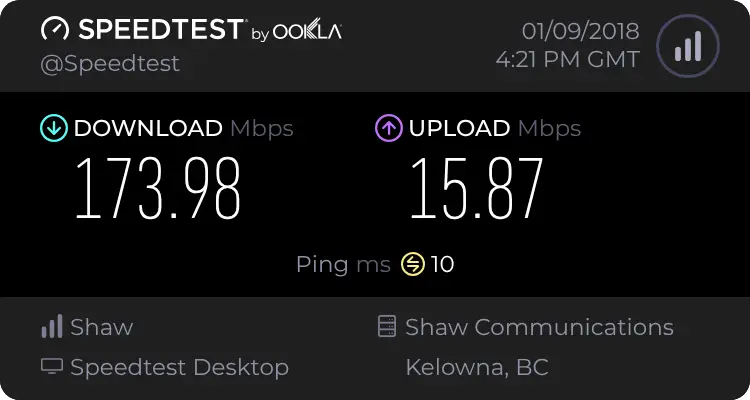
After:
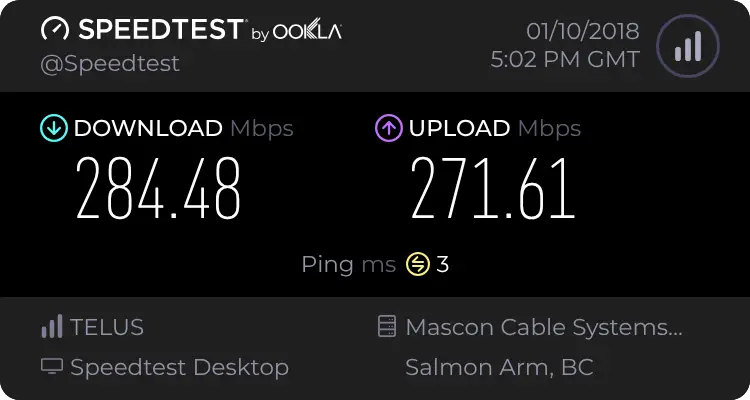
Obviously a massive improvement. I can now make use of cloud storage and backup without trying to shove everything into a 15Mbps upload pipe. My Plex server for friends and family now is no longer throttled to 8Mbps outbound.

Writing about virtualization, home lab, cloud, storage and gaming on vSkilled, started in 2014.